Your whole day, on one screen.
Daily Dash gathers your calendar, reminders, notes, saved links and news into one calm dashboard, then writes you a short brief of what matters today, right on your device.
Syncs through your own iCloud. No account, no ads, no tracking.
A brief, not a feed
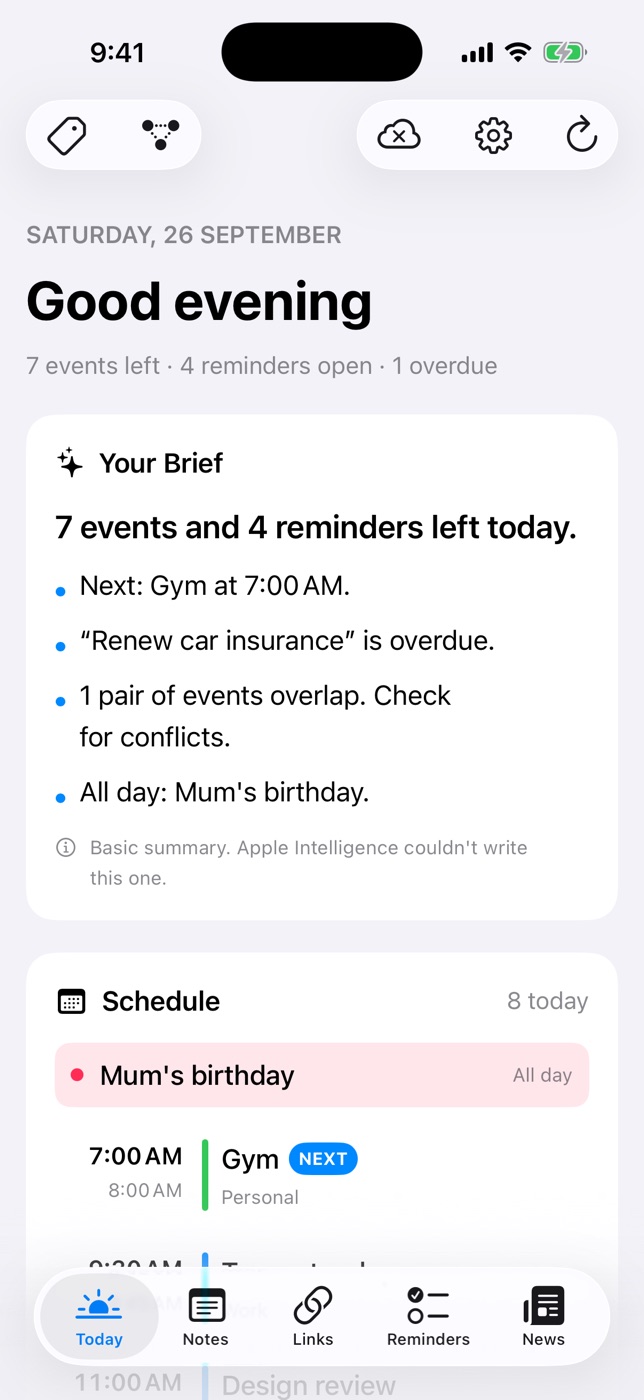
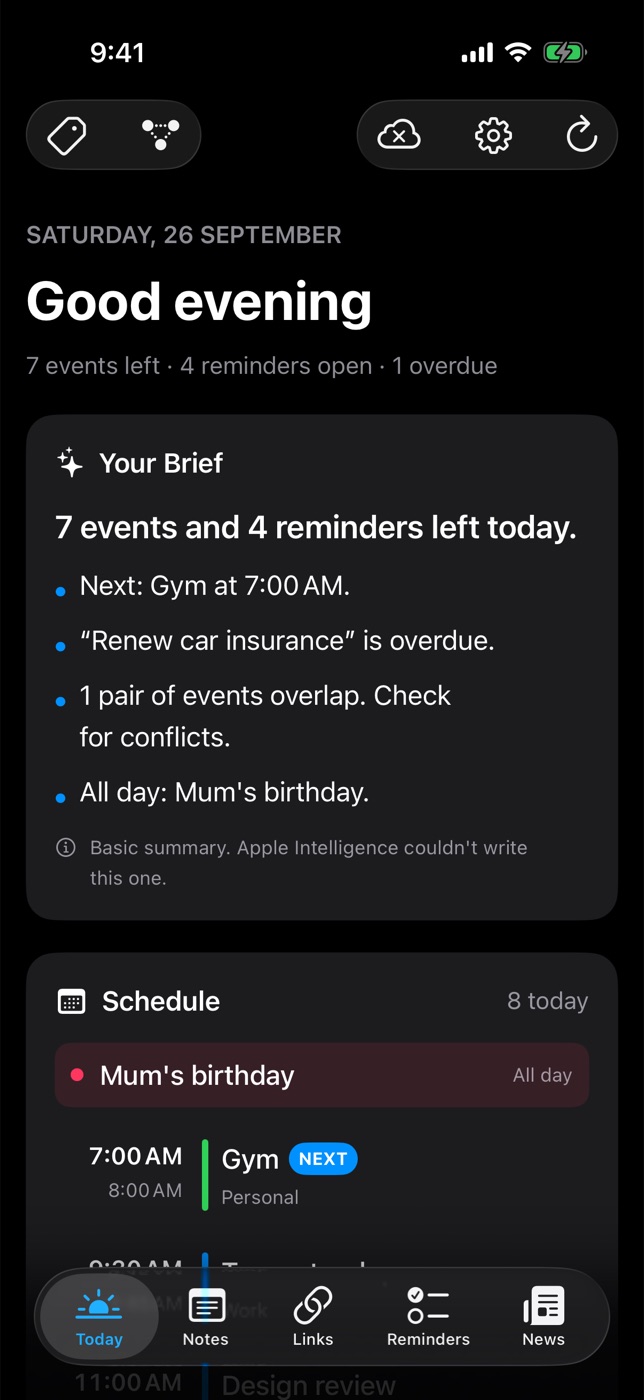
Open the app and read three lines: what's next, what's overdue, what clashes. Written by Apple Intelligence on your device.
Everything connects
One set of tags across notes, links, reminders, feeds and events. Link any item to any other and walk the graph.
Yours alone
Your library lives in your private iCloud. Summaries run on device. Locked notes are encrypted with your PIN.
What's inside
Five tabs. One morning routine.
Each part of Daily Dash is useful alone. Together they give you a single place to plan, capture and catch up.
Today
Start with the brief
Today pulls in your calendars and Apple Reminders alongside the app's own reminders and the day's top headlines.
- Your Brief summarises the day in a few lines, with a rule-based fallback when Apple Intelligence isn't available.
- Schedule shows every event, flags overlaps and marks what's next.
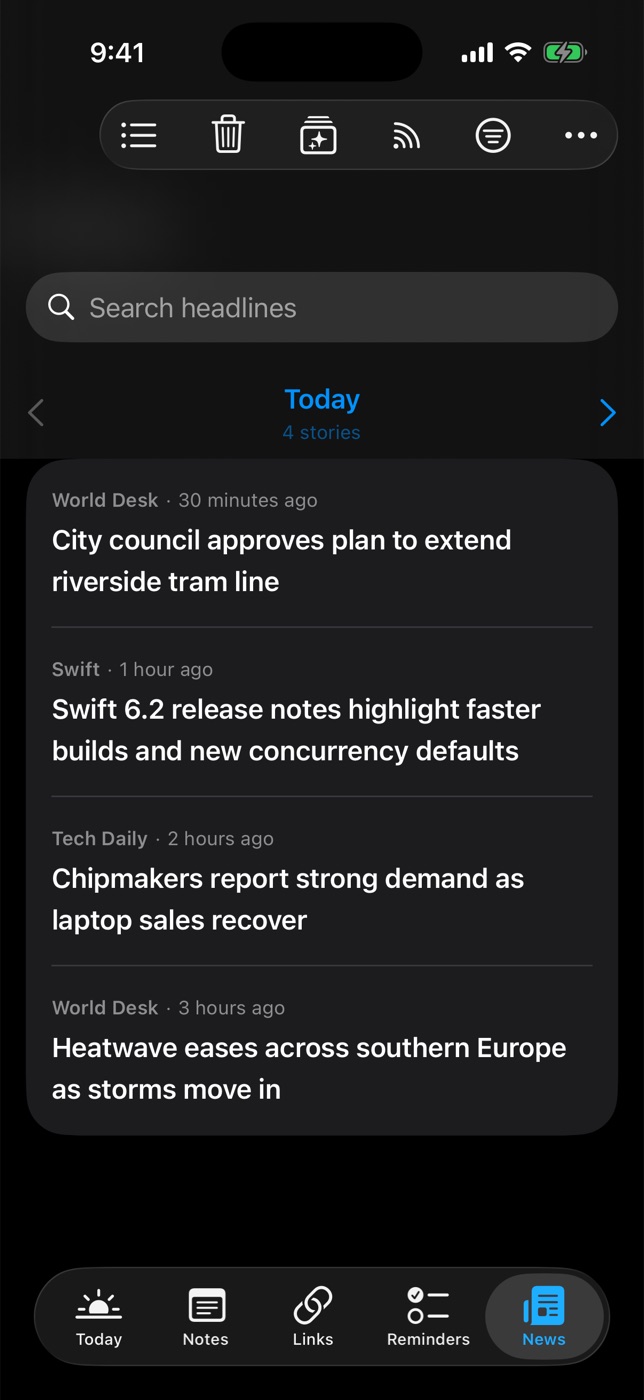
- News card picks headlines you're likely to read, and can be narrowed to a tag.
Notes
Pages that nest, like a notebook should
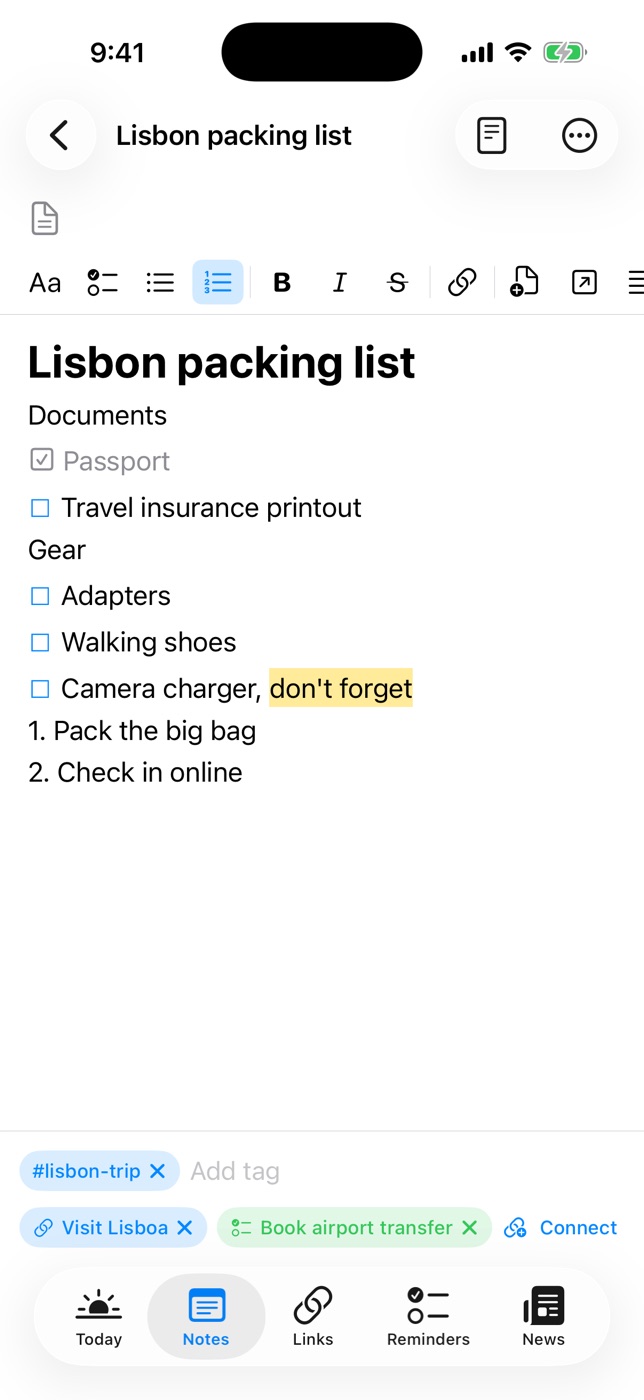
Notes are Markdown under the hood with a friendly rich-text editor on top.
- Pages inside pages with emoji icons, breadcrumbs, favorites and a 30-day Trash.
- Type “/” for headings, lists, quotes, code, dividers, sub-pages and links to other pages.
- Lock a note with a PIN and Face ID or Touch ID. Export as Markdown or PDF.
Reminders
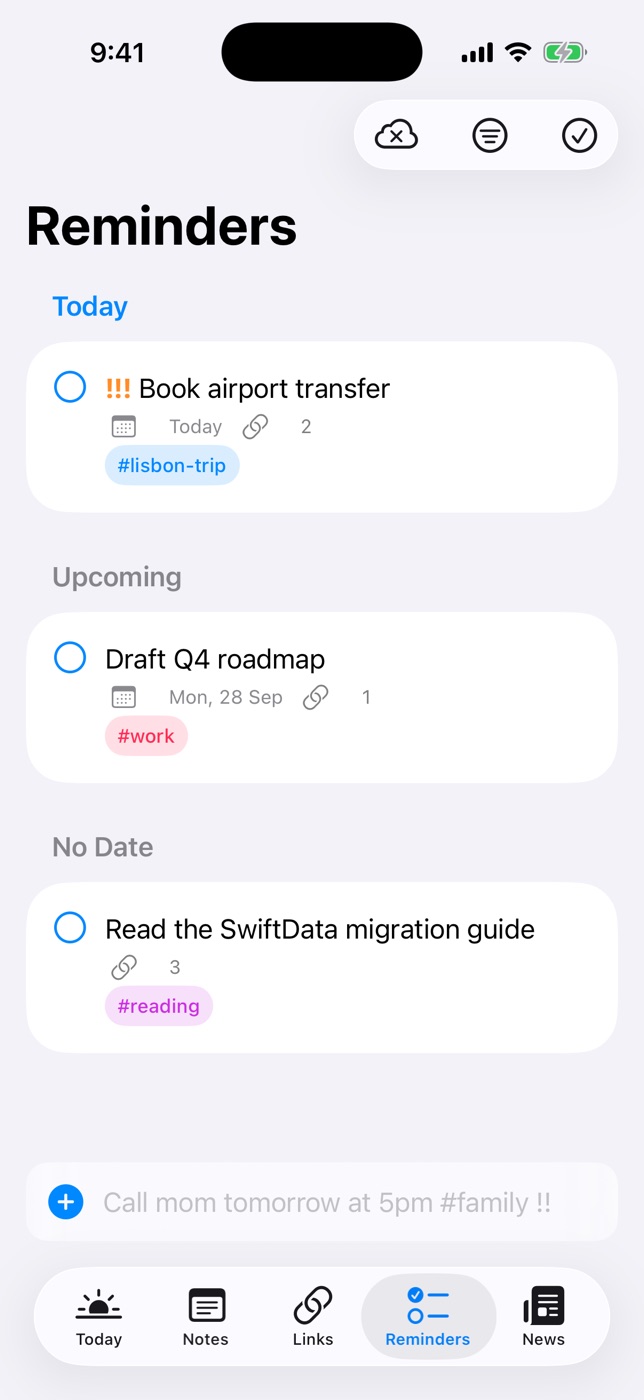
Type it the way you'd say it
Quick add understands dates, times, tags, priorities and places.
- “Call mom tomorrow at 5pm #family !!” becomes a dated, tagged, high-priority reminder.
- “Buy milk when I leave work” alerts as you leave a saved place, on iPhone and iPad.
- Ring as Alarm for reminders that must not be missed.
News
Your feeds, readable offline
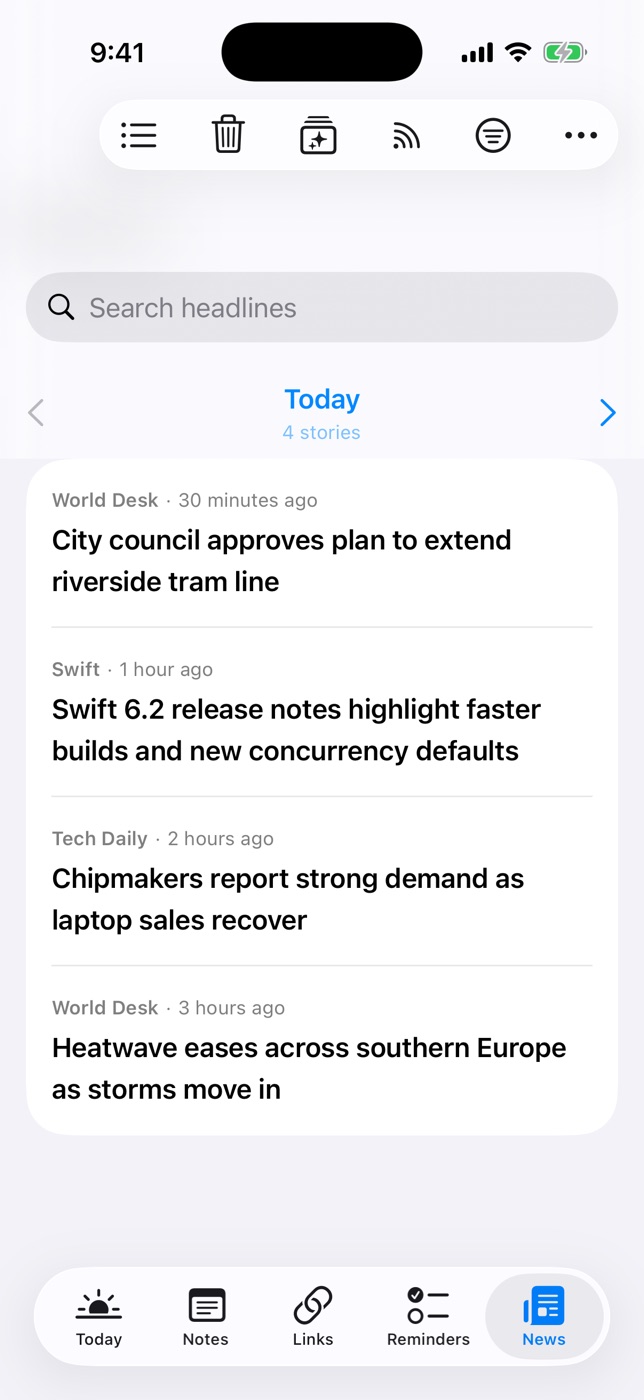
Follow RSS, Atom and JSON feeds or Google News topics. Paste any website and Daily Dash finds its feed.
- A clean reader that works offline. New stories are saved in the background.
- For You learns what you open and read, on device, and explains why a story ranks.
- Page by day and clear everything older than a date you choose.
Links
A read-later list that keeps the page
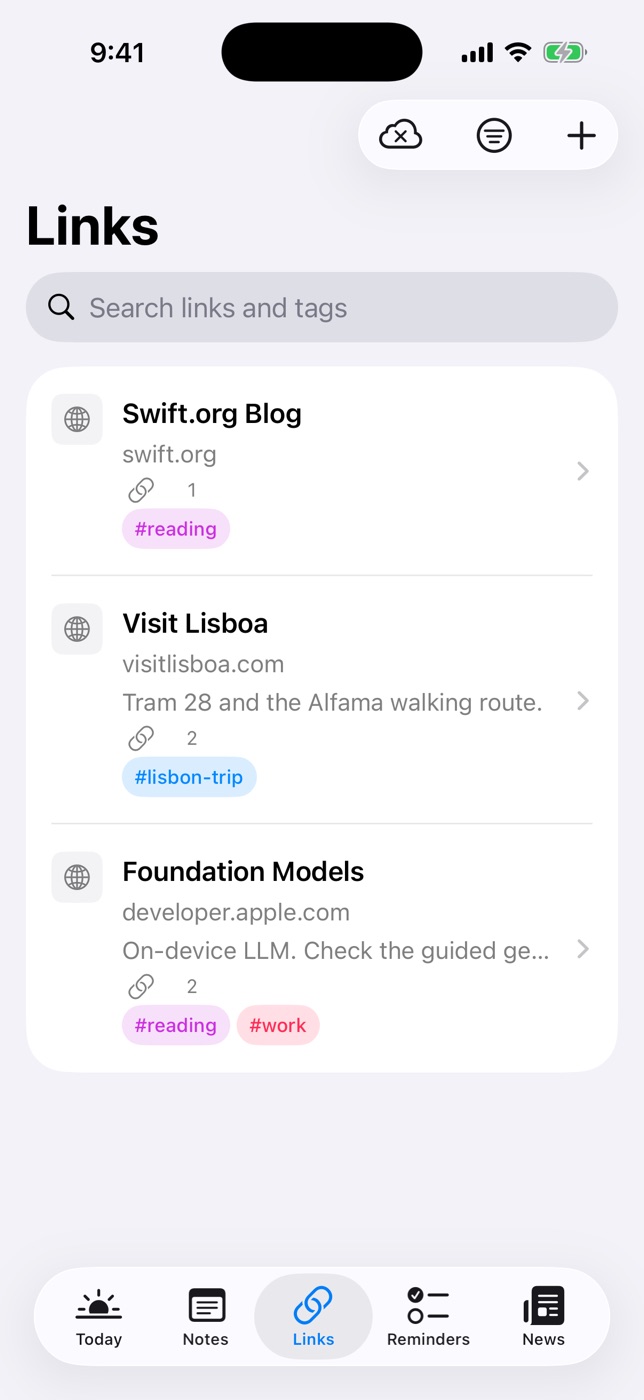
Save a link and Daily Dash fetches its title, icon and a readable copy with images, so it's there on a plane.
- On-device summaries appear under each recent link and story.
- Add a note, tags and connections to anything you save.
Everywhere you are
Built for every Apple screen
iPhone
Five tabs, reminders that fire when you arrive or leave, and background refresh.
iPad
A sidebar with Tags and Graph alongside every tab, plus keyboard shortcuts.
Mac
The full library in a native window, with a Settings window of its own.
Apple Watch
Today's schedule, reminders, the brief and headlines at a glance.
Privacy
No servers of ours. Nothing to sell.
Daily Dash has no account system, no analytics and no ads. Your library syncs through your own iCloud, and the brief, summaries and news ranking all run on your device.
- Notes, links, reminders and feeds: your private iCloud database
- Calendars and Apple Reminders: read through the system, never copied off device
- Locked notes: AES-GCM encrypted, key protected by your PIN
- Location: only for place-based reminders, handled by iOS

Coming soon to the App Store
Daily Dash is built for iOS 26, iPadOS 26, macOS 26 and watchOS.