Daily Dash
Press kit
Everything you need to write about Daily Dash. Screenshots and the icon are free to use in coverage of the app.
In one line
Daily Dash puts your calendar, reminders, notes, saved links and news on one screen, and writes you a short brief of the day on your device.
In a paragraph
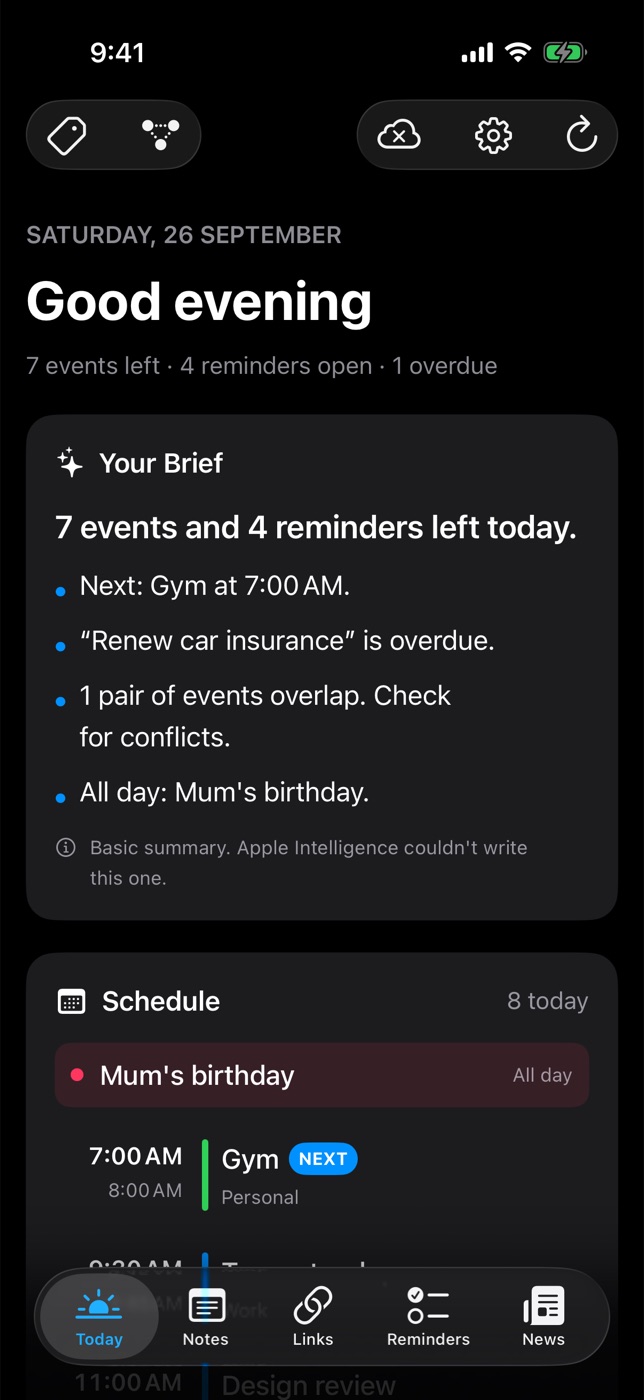
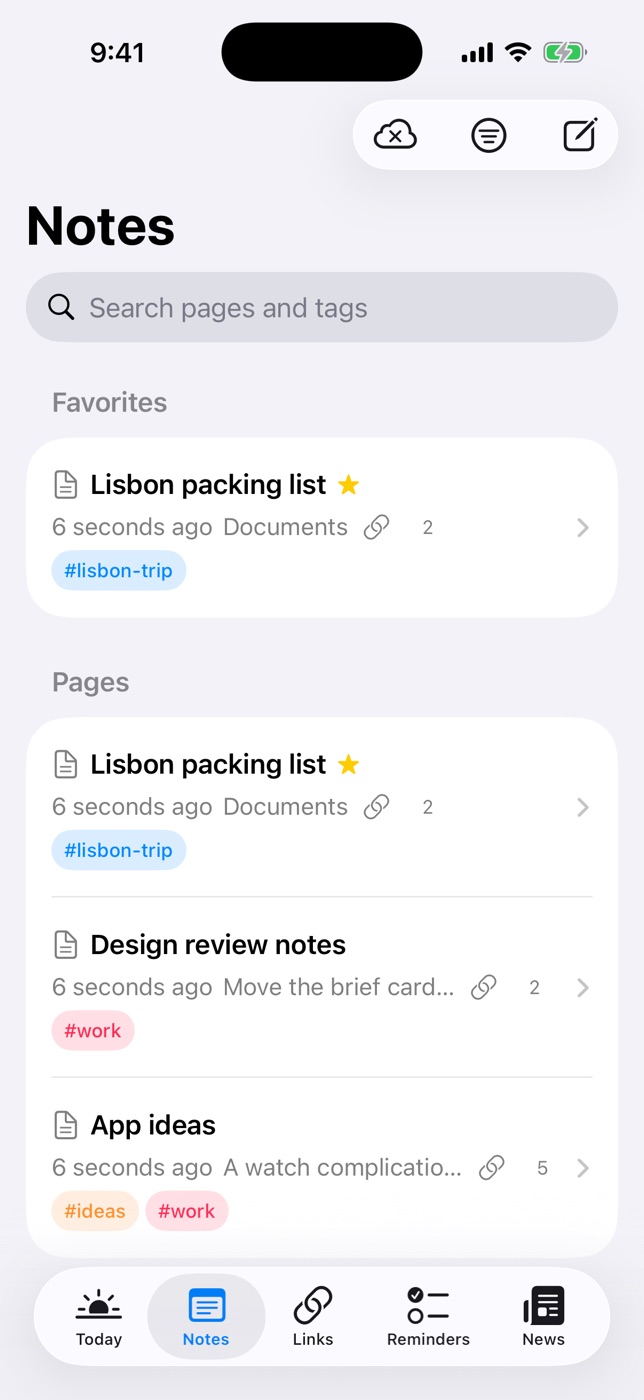
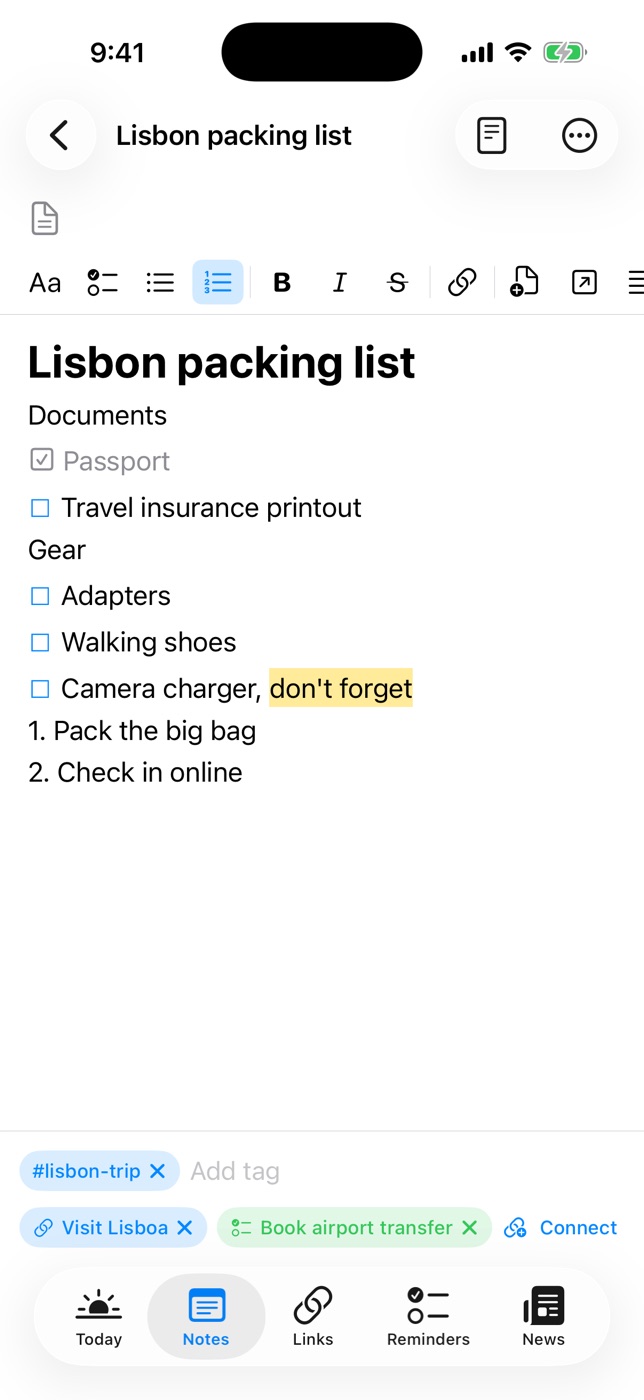
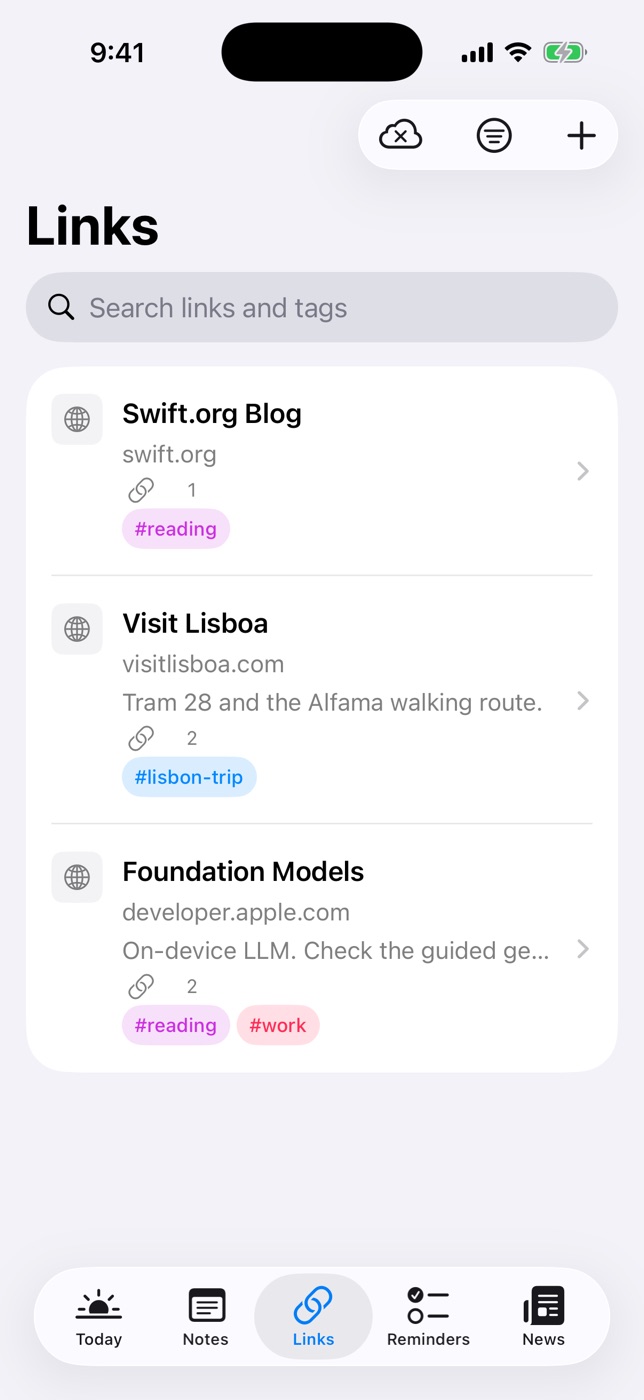
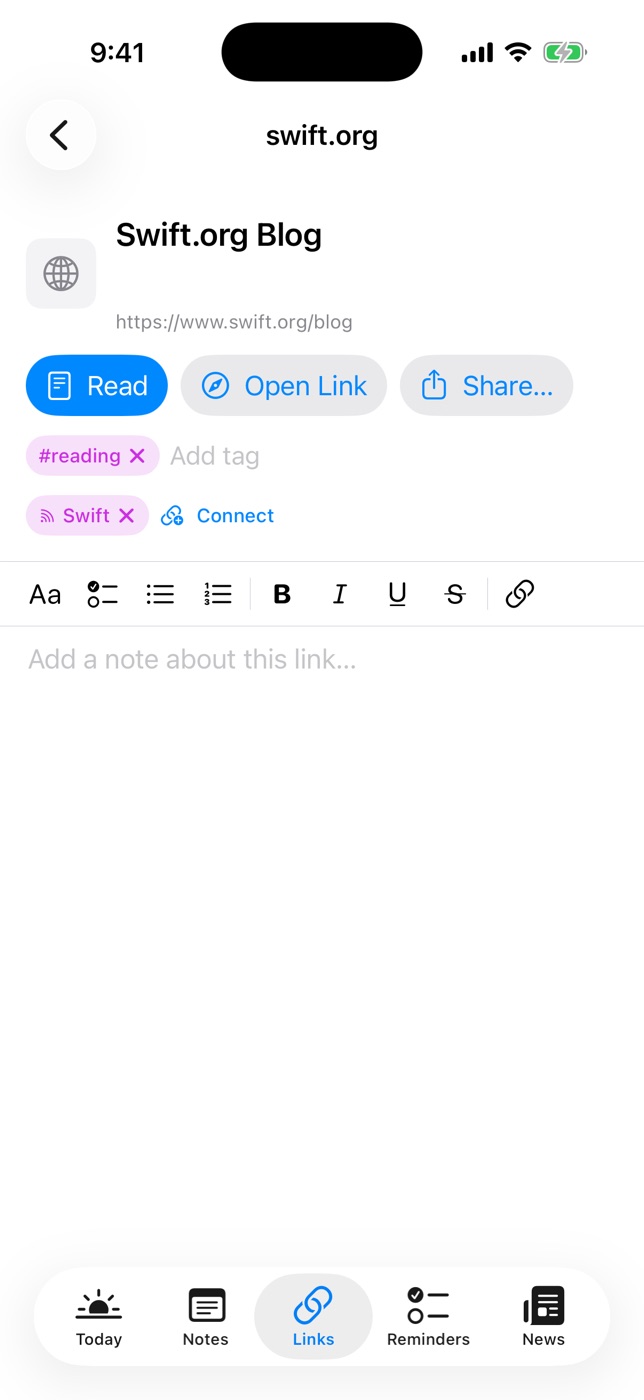
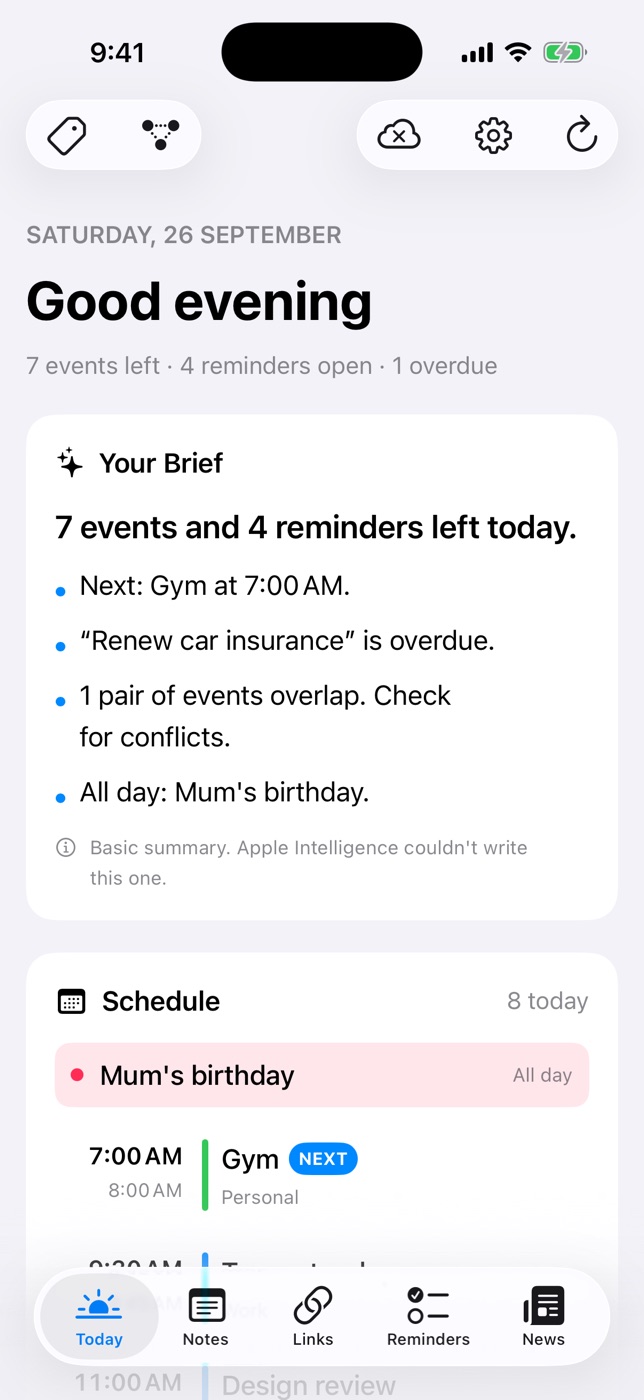
Daily Dash is a daily dashboard for iPhone, iPad, Mac and Apple Watch. Its Today screen brings together your calendars, Apple Reminders, the app's own reminders and the day's top headlines, with a three-line brief written by Apple Intelligence on the device. Around it sits a private library: nested Markdown notes that can be locked with a PIN and Face ID, a read-later list that keeps an offline copy of every page, and an RSS and Google News reader that learns what you like on the device. One set of tags and a connection graph link everything together. There is no account, no analytics and no ads; the library syncs through the user's own iCloud.
Key facts
| Name | Daily Dash |
|---|---|
| Platforms | iPhone and iPad (iOS and iPadOS 26 or later), Mac (macOS 26 or later), Apple Watch |
| Category | Productivity |
| Availability | Coming soon to the App Store |
| Account | None. The library syncs through the user's private iCloud database. |
| Tracking | No analytics, no ads, no servers of ours |
| On-device AI | Daily brief, link and story summaries, and news ranking all run on the device |
| Website | daily-dash.app |
What's new about it
- A brief, not a feed. Three lines about the day: what's next, what's overdue, what clashes. Written on device, with a rule-based fallback when Apple Intelligence isn't available.
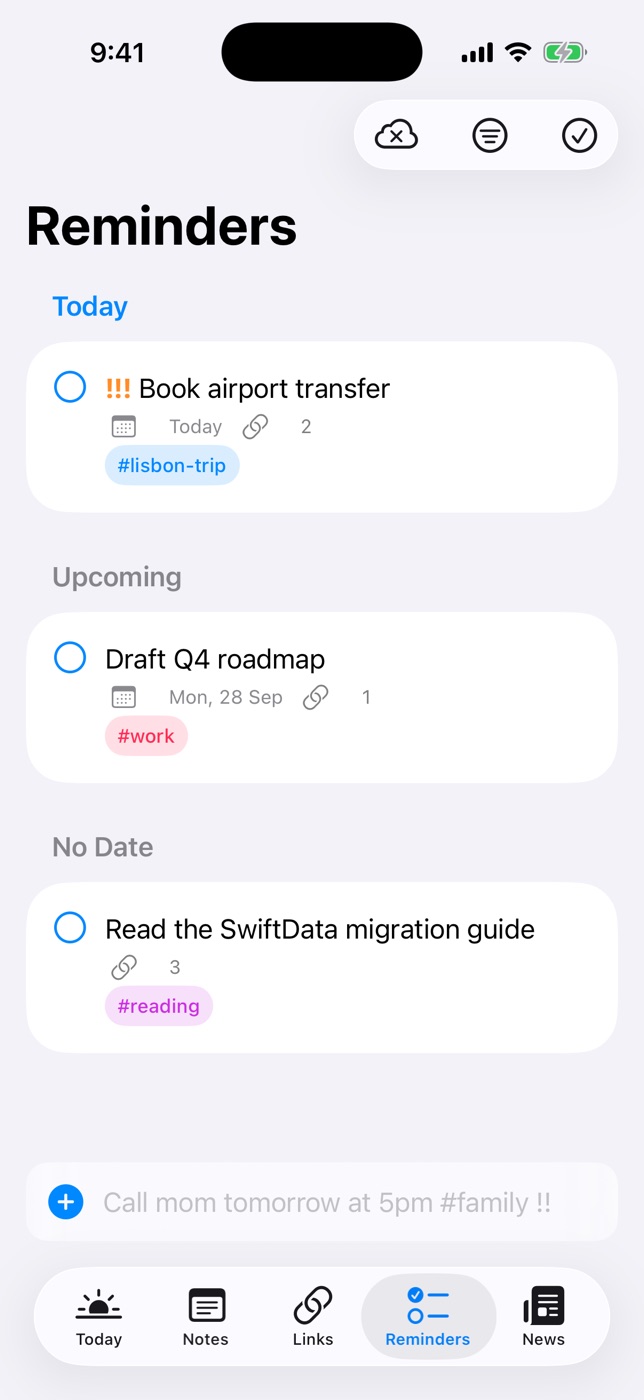
- Four apps in one. Reminders with natural-language quick add and location alerts, nested notes, a read-later list and a news reader share one library, one set of tags and one graph of connections.
- Private by construction. No account system at all. Locked notes are encrypted with AES-GCM, with the key protected by the user's PIN.
- Every Apple screen. A sidebar layout and keyboard shortcuts on iPad and Mac, and the brief, schedule, reminders and headlines on Apple Watch.
More detail: all features and the user guide.
Icon and screenshots
Right-click or long-press an image to save it at full size.
- App icon, 512 × 512 PNG
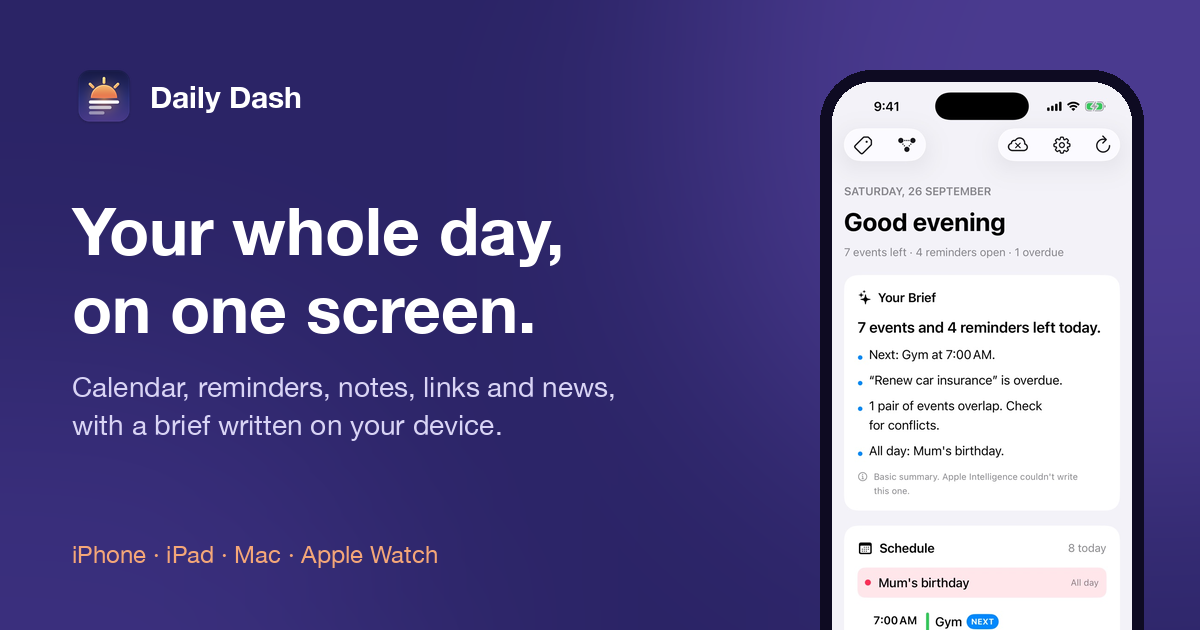
- Banner, 1200 × 630 PNG
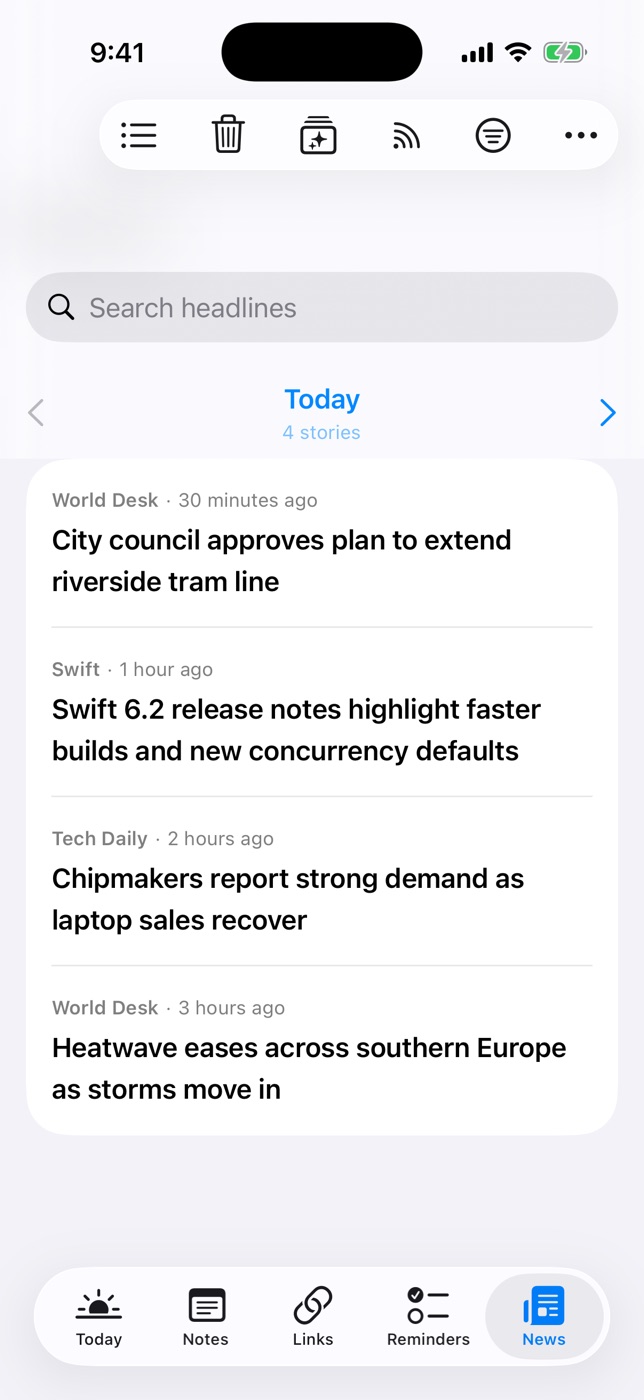
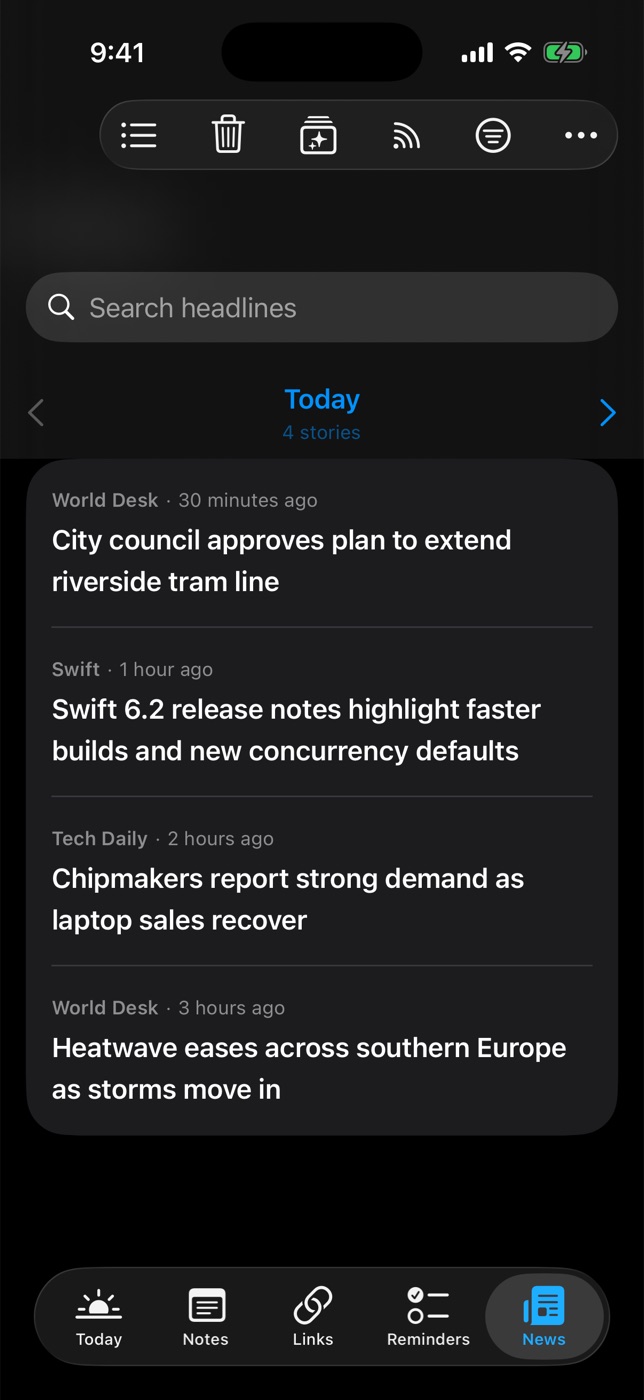
- iPhone screenshots, 700 × 1522 JPEG: Today, Today (dark), Reminders, Notes, A note, Links, A saved link, News, News (dark)